

Generic selectors
Exact matches only
Search in title
Search in content
Post Type Selectors
Chromexor

Chromexor – ChromeOS Bootable Creator

Developer

Description

Chromexor is a powerful and user-friendly Windows-based utility designed to create bootable ChromeOS drives for any compatible PC or laptop. Supporting both 32-bit and 64-bit Windows systems, it provides a streamlined interface for selecting disks, loading installer and recovery images, and generating fully functional ChromeOS bootable media.

With built-in disk management controls, real-time activity logs, and a verification system, Chromexor ensures a safe, efficient, and guided installation processβ€”ideal for both beginners and advanced users.

Overview

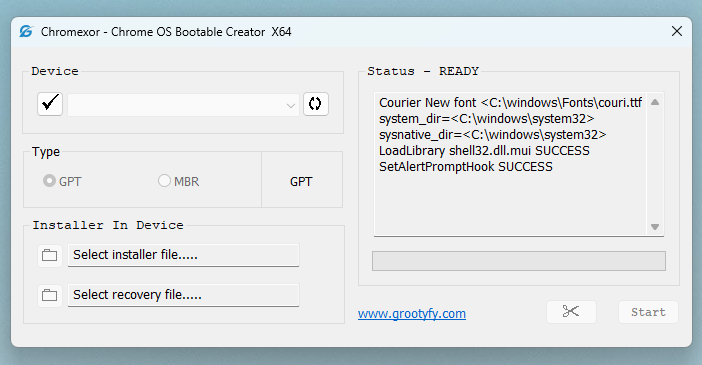
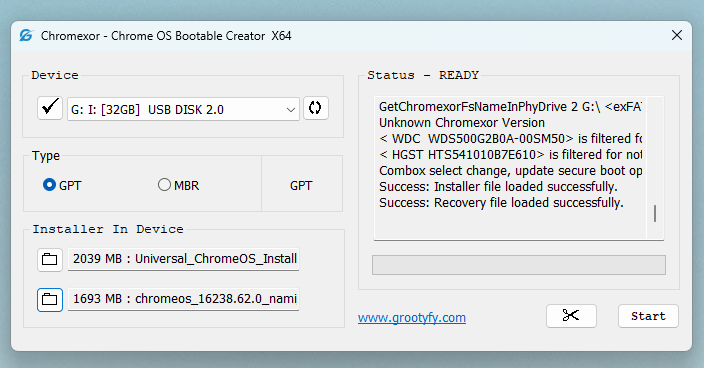
Chromexor simplifies the complex process of installing ChromeOS by combining all essential tools into a single interface. The application consists of:

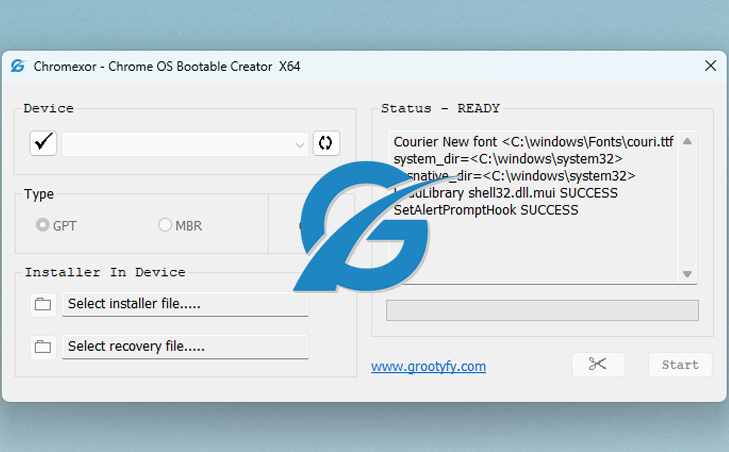
  • Main Window (Primary Interface)
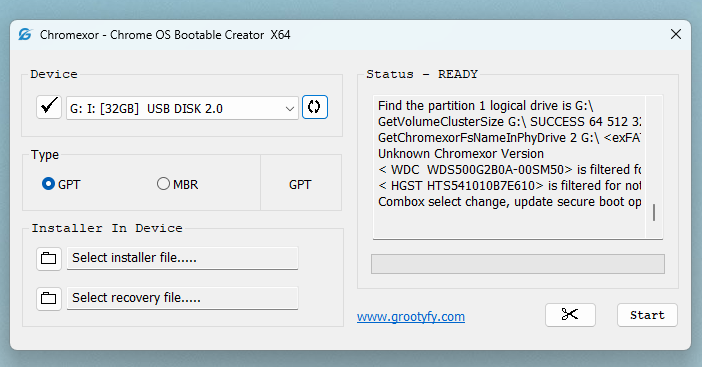
    • Disk selection and management
    • Installer and recovery file loading
    • Partition type configuration (GPT/MBR)
    • Real-time status and activity tracking
    • Bootable creation controls
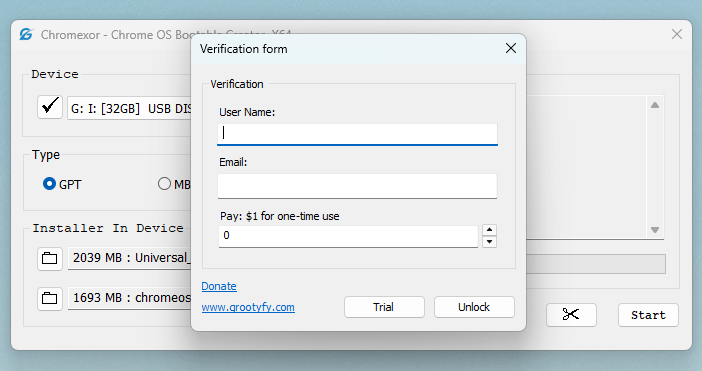
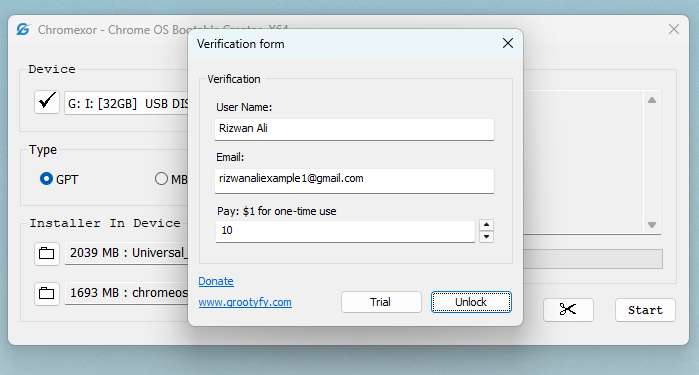
  • Verification Dialog (Secondary Window)
    • User verification system
    • Trial and unlock options
    • Secure activation for full functionality

This dual-window architecture ensures both usability and controlled access to advanced features.

Features

  • βœ” Compatible with Windows 7, 8, 8.1, 10, and 11 (32-bit & 64-bit)
  • βœ” Clean and intuitive graphical interface
  • βœ” Automatic disk detection & refresh
  • βœ” GPT & MBR partition support
  • βœ” Installer + Recovery file integration
  • βœ” Real-time status indicator (READY, etc.)
  • βœ” Detailed activity log panel
  • βœ” One-click bootable creation
  • βœ” Built-in disk restore option
  • βœ” Secure verification & activation system
  • βœ” Lightweight and fast performance
  • βœ” Works offline (no internet required)

Requirmewnts

  • Β Operating System:
    • Windows 7, 8, 8.1, 10, and 11
    • Supports both 32-bit & 64-bit
  • Β Processor (CPU):
    • Intel or AMD processor
    • Minimum: Dual-core (Recommended: Quad-core or higher)
  • RAM (Memory):
    • Minimum: 2 GB
    • Recommended: 4 GB or more
  • Β Storage Space
    • At least 17 MB free space for application
    • Additional space required for ChromeOS image files
  • Β USB / External Drive
    • Minimum: 8 GB USB drive
    • Recommended: 16 GB or higher for better performance
  • Β Graphics
    • Basic display support (no dedicated GPU required)
  • Β Internet Connection
    • Required (for verification)
    • Optional for downloading ChromeOS images
  • Β Additional Requirements
    • Administrator privileges required
    • USB boot support in BIOS/UEFI system

Leave a Comment

Your email address will not be published. Required fields are marked *

Scroll to Top
donate grootyfy